
WHAT IS THIS?
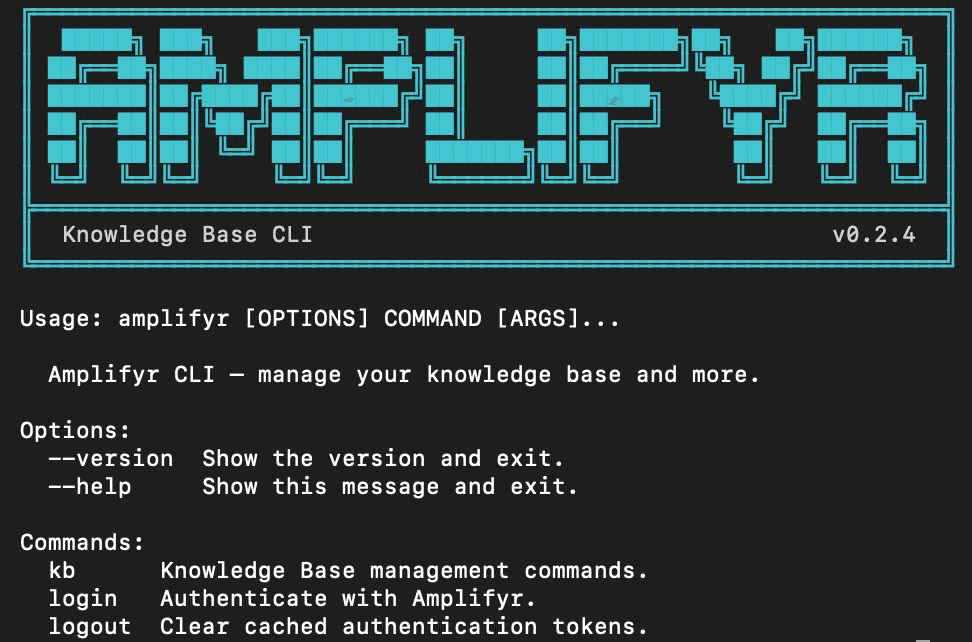
The Amplifyr CLI is a simple tool your team runs from the terminal to add content to Amplifyr’s Knowledge Base.
Instead of uploading files one by one through a web interface, you can upload:
A single article
A full folder of documents
A PDF report
Even a tweet
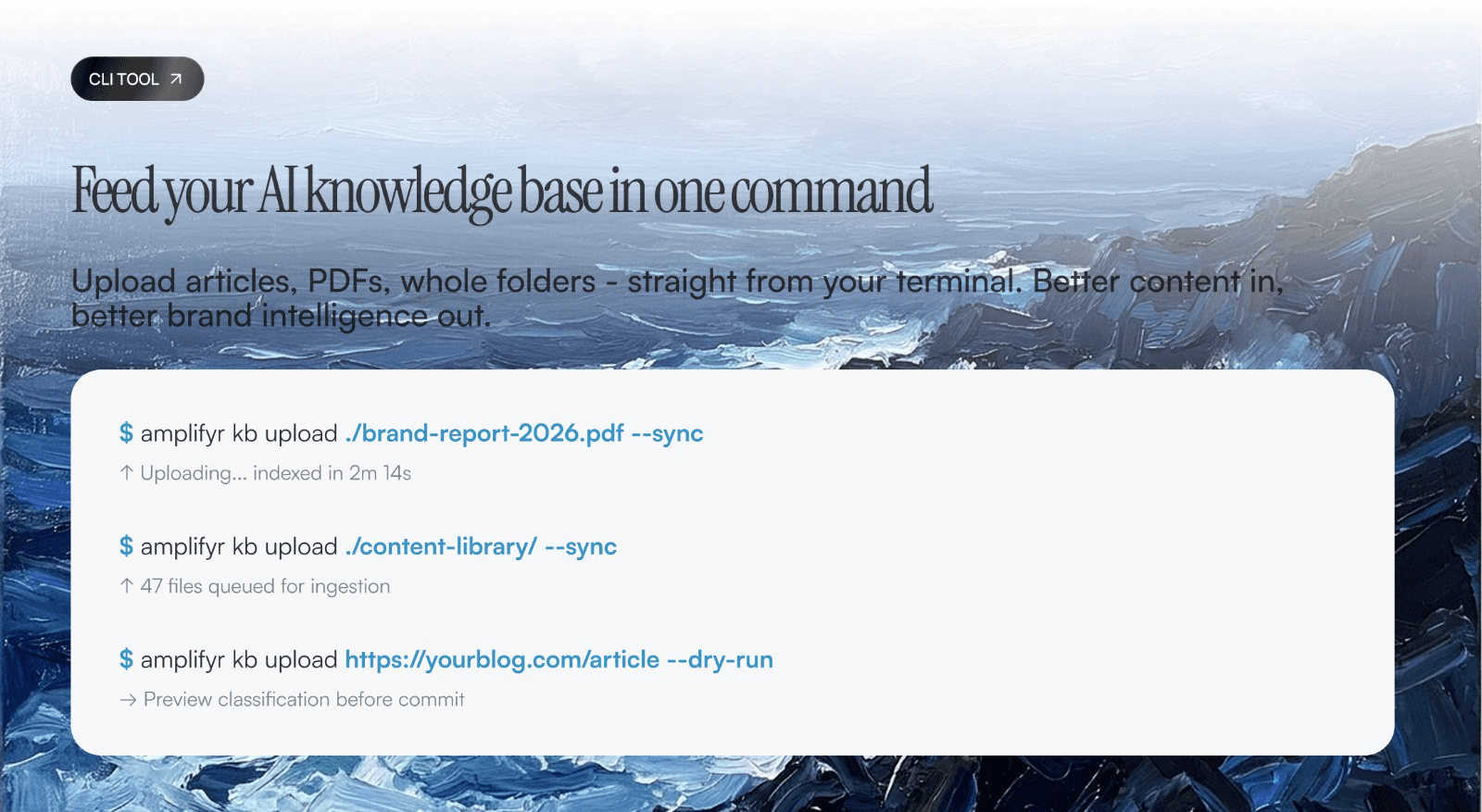
All with a single command.
Once uploaded, the content is immediately available to Amplifyr’s AI - improving the quality and accuracy of your brand’s responses across every AI platform we track.
WHAT CAN YOU DO WITH IT?
Upload content to the Knowledge Base
Web article
PDF report
Whole folder
Tweet or X post
Supported formats
Web URLs
PDFs
Word documents
Markdown
Plain text
HTML
Twitter/X posts
Use --dry-run to preview how content will be classified before committing.
WHAT IT DOES TODAY
amplifyr login
Authenticate with your Amplifyr credentialsamplifyr kb upload
Add a URL, file, or folder to the Knowledge Baseamplifyr kb list
View all documents currently in the KBamplifyr kb remove
Delete a document from the KB
WHAT’S COMING NEXT
amplifyr data
Export analytics reports directly from the terminalamplifyr mcp
Manage and rotate MCP connector credentialsamplifyr content
Generate brand content directly from the CLIBatch scheduling
Run overnight ingestion jobs for large content librariesLLM validation
Flag low-quality or off-brand content before upload
A REAL EXAMPLE
Your content team publishes a new thought-leadership report.
Instead of logging into a portal and uploading it manually, a team member runs:
Two minutes later, the document is indexed and Amplifyr’s AI begins surfacing its insights when tracking brand presence across platforms like ChatGPT and Perplexity.
WHY IT MATTERS
The quality of your Knowledge Base directly impacts how well Amplifyr can track and influence your brand’s presence in AI-generated answers.
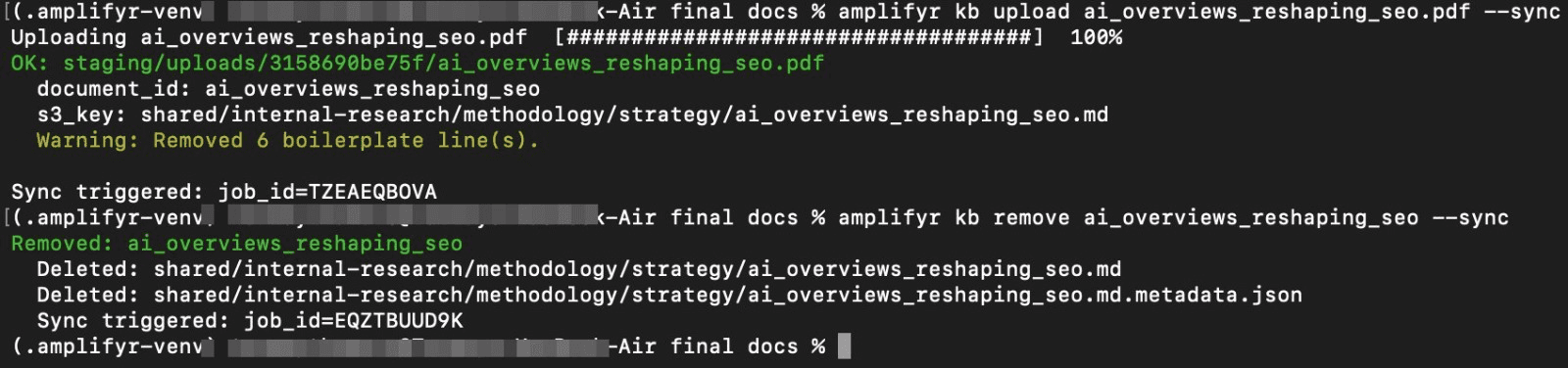
The CLI removes friction making it easy for any team member to keep the KB up to date without needing technical expertise.
Better content in → better brand intelligence out.
GET STARTED
Requires Python and AWS credentials
Contact your Amplifyr account manager or team lead for setup instructions

Share